
Generate Images from Text Prompts
Describe what you want to see — portraits, products, landscapes, anime — and the AI generates it in seconds. Edit the result with a text prompt or turn it into a short video.
- Gratuito
- Sem download
- Sem conta necessária
See What Others Have Created
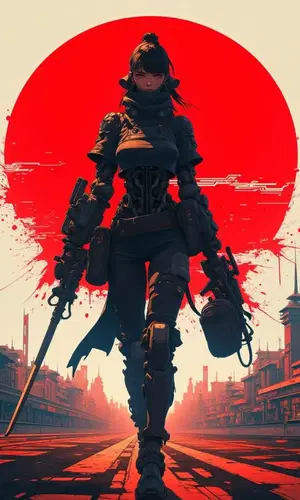
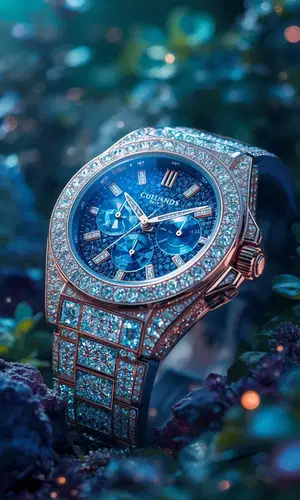
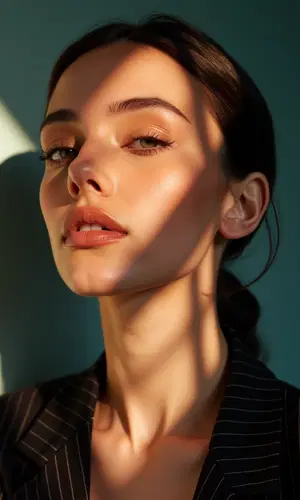
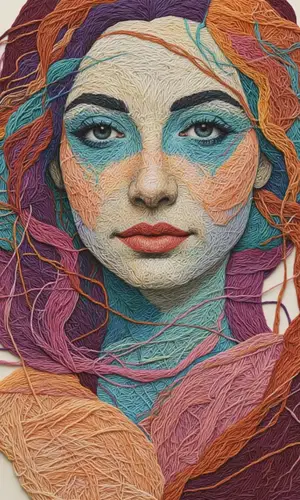
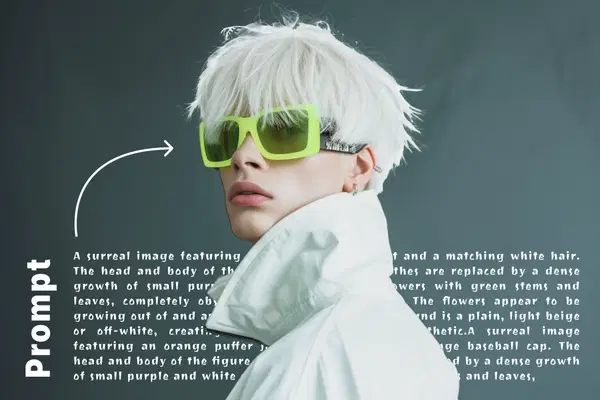
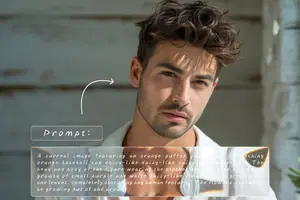
Images generated from short text descriptions. Each took under 30 seconds.




Generate Portraits with AI
Describe a face — age, expression, lighting, background — and get a photorealistic or stylized portrait in seconds. People use this for character concepts, social media avatars, and artistic projects.
Try Portraits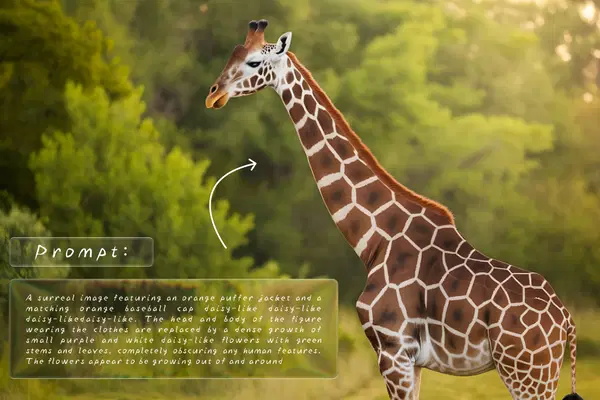

Generate Photography with AI
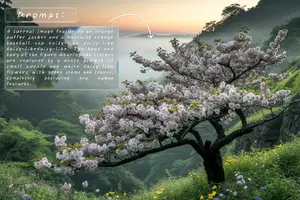
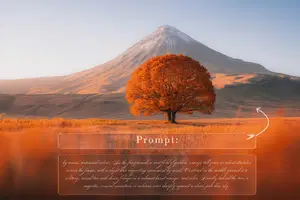
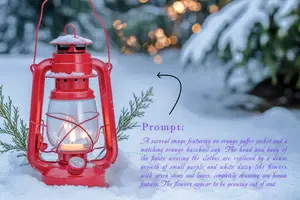
Generate realistic nature scenes, lifestyle shots, and event imagery from a text description. Useful for blog headers, marketing materials, and any project where you need a specific photo that doesn't exist.
Try Photography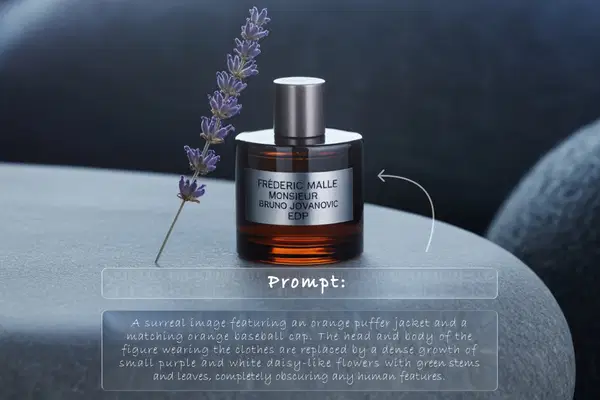
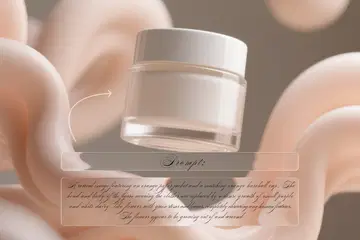


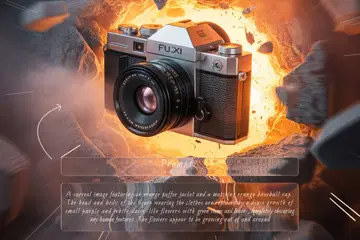
Generate Product Images with AI
Describe a product on a clean background and the AI renders it. Handy for mockups, pitch decks, and early-stage e-commerce listings when you don't have a photographer yet.
Try Products
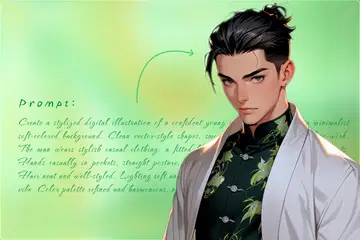


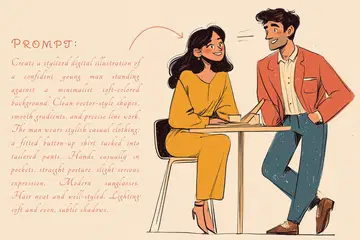
Generate Anime & Illustrations with AI
Generate anime characters, manga panels, and digital illustrations in various styles. Describe the character, pose, and setting — the AI handles the rest. Great for storyboarding, social content, and personal projects.
Try AnimeHow to Generate AI Images?
Type a description, pick your settings, and download the result.
Describe Your Image
Type a detailed text prompt describing what you want to create. Be specific about style, colors, lighting, and composition.
AI Generates
Our AI model interprets your prompt and generates a unique, high-quality image in seconds.
Edit or Turn into Video
Not perfect? Hit the Edit button to refine your image with a text prompt — like "Make her smile" or "Add sunglasses." You can also turn any image into a 5-second video with AI-generated audio.
Use Anywhere
Download your images and videos in high quality. Use them for social media, marketing, projects, or personal creativity.
Everything You Need to Know
What is Drawever Text to Image?
An AI generator that creates high-quality images from text descriptions using state-of-the-art diffusion models.
Is it free?
Yes. New users get 10 free credits instantly — no credit card required. Each image generation costs just 1 credit.
What can I generate?
Portraits, photography, product images, anime/illustrations, landscapes, abstract art, and more. Every generated image can also be edited with a text prompt or turned into a 5-second video with AI audio.
How long does generation take?
Typically 15-30 seconds depending on complexity and quality settings.
What aspect ratios are supported?
Square (1:1), Portrait (2:3, 9:16), Landscape (3:2, 16:9), and custom ratios.
Can I control the output style?
Yes. Adjust generation steps and guidance strength for more control over the final result.
Can I use results commercially?
Yes. Paid users have full commercial rights with no watermarks.
Does it work on mobile?
Yes. Fully responsive and works on all smartphones and tablets.
What Creators Are Saying
Feedback from designers, authors, and content creators who generate images weekly.
Showing 6 of 7,818 reviews
"I typed "sunset over a futuristic city" and the result was good enough for a YouTube thumbnail without editing. The high-quality setting takes longer but the detail is noticeably better."
"I use medium quality for quick mockups when pitching concepts to clients. They think I spent hours on them. When they approve, I regenerate at high quality for the final deliverable."
"Book cover concepts used to cost me $200 per rough draft from freelancers. Now I describe my characters and scenes, get 5-6 variations in minutes, and send the best one to my cover designer as a reference."
"Concept art for our indie game. We describe environments, characters, mood — and iterate fast. The edit feature lets us tweak specific parts without regenerating the whole image."
"Custom thumbnails are the main use case for me. I describe the scene I want, generate it, add text in Canva, done. My click-through rate went up after I switched from stock photos."
"We needed visuals for our pitch deck and landing page but had no budget for a designer. Generated product mockups, team illustrations, and hero images in an afternoon. Investors didn't know it was AI."
Perguntas Frequentes
How do I write a good prompt?
Be specific. Instead of "a dog" try "a golden retriever sitting on a park bench at sunset, soft lighting, oil painting style." The more detail you give — colors, lighting, mood, art style — the closer the result will be to what you're imagining. You can also mention what you don't want, like "no text" or "no watermark."
What art styles can it do?
Pretty much anything you describe. People use it for photorealistic renders, digital art, oil paintings, watercolor, anime, cartoon, sci-fi, fantasy, abstract, minimalist — the list goes on. Just mention the style in your prompt, like "watercolor painting of..." and the AI will follow it.
What does the Strength slider actually do?
It controls how literally the AI interprets your prompt. High strength = the AI sticks closely to exactly what you typed. Low strength = the AI takes more creative liberty. If your results feel too rigid, lower it a bit. If they're ignoring your description, push it higher.
How long does generation take?
Usually 10-30 seconds. Higher quality settings take a bit longer because there's more detail to render. If you're on the free tier and it's a busy time, there might be a short queue.
How is this different from DALL-E or Midjourney?
A few things: we don't require Discord (looking at you, Midjourney), pricing is transparent and pay-as-you-go instead of a monthly subscription, and paid users get commercial rights included. Quality-wise we're competitive — try the free credits and compare for yourself.
Can I use the images commercially?
If you've bought credits, yes — you get full commercial rights. Use them on your website, in marketing, on products, whatever you need. Free-tier images are for personal use only.
What resolutions are available?
Three options: 512x512 (Low), 768x768 (Medium), and 1024x1024 (High). If you need something for print or a presentation, go with High. For social media posts or quick concepts, Medium is usually enough.
How much does it cost?
New accounts get 10 free credits. Each image costs just 1 credit. After that, credits are $1 for 10 — so $0.10 per image at base price. Bulk packs drop it to as low as $0.03. No subscription, credits don't expire.
Can I generate people and characters?
Yes, it's actually one of the strong points. Describe physical features, clothing, expression, and setting. Works well for character concepts, avatars, portrait art — that kind of thing.
Do you support non-English prompts?
The AI understands English best, but we've added an auto-translate feature. You can write in your language and it'll get translated before processing. For best results, write in English or keep non-English prompts simple and descriptive.
What happens to my prompts and images?
Both are deleted from our servers right after generation. We don't store them, we don't train on them, we don't share them. The only copy is the one you download.
The image doesn't match my prompt — what should I do?
You have two options: tweak your prompt and regenerate, or use the Edit button to refine the existing image. For example, if the expression is wrong, just click Edit and type 'Make her smile.' You can also adjust the Strength slider or rephrase your prompt. If you're stuck, try starting with one of our prompt suggestions as a template.
Can I get a refund?
If you're consistently getting poor results and feel the tool isn't delivering, reach out to support within 7 days. We'll either help troubleshoot your prompts or issue a refund.
Preciso criar uma conta?
Nenhuma conta é necessária para começar. Você recebe 10 créditos gratuitos ao se cadastrar — em menos de 30 segundos, sem cartão de crédito. Você pode explorar a ferramenta e ver os resultados antes de se comprometer.
Há algo para baixar ou instalar?
Nada para baixar, nada para instalar. A ferramenta funciona inteiramente no seu navegador — no desktop ou celular. Abra a página e comece imediatamente.